Setting up Baikal on alpine in the big 2026
I'm doing this on alpine 3.24, but I don't think the process should be too different on different versions of alpine...
Packages
First install all the required dependencies
apk add curl vim unzip caddy php85 php85-fpm php85-session php85-pdo_sqlite php85-pdo_pgsql php85-pdo_mysql php85-curl php85-xml php85-xmlreader php85-xmlwriter php85-mbstring
Installing Baikal
Make a home for the baikal files
mkdir /var/www
cd /var/www
Now get the latest release, for me thats 0.12.1. Make sure to include the -L as for some reason github loves its redirects...
curl --output baikal.zip -L https://github.com/sabre-io/Baikal/releases/download/0.12.1/baikal-0.12.1.zip
Unzip, then delete the zip, we don't need it anymore.
unzip baikal.zip
rm baikal.zip
Setting up PHP
Next, the user and group. We don't want to be running php as a root user if we can help it. For some reason the default on alpine is "nobody", which defaults to root for me, odd choice but not too difficult to fix:
adduser --system --no-create-home www-data
addgroup www-data www-data
Now would also be a good time to correctly set the permissions for the www dir we made earlier
chown www-data:www-data /var/www -R
To make php actually use the www-data user, we must update our config file. You can find it in /etc/php85/php-fpm.d/www.conf, set user and group in to be www-data
And start the service!
rc-update add php-fpm85
rc-service php-fpm85 start
Caddy
To make the site accessible in any way, we use Caddy to serve the files. We can find the Caddyfile todo that in /etc/caddy/Caddyfile, and update it to the following:
:3000 {
  redir /.well-known/carddav /dav.php permanent
  redir /.well-known/caldav /dav.php permanent

  root * /var/www/baikal/html

  php_fastcgi 127.0.0.1:9000 {
    split .php
  }

  file_server
}
For me the default fpm access with php 8.5 is 127.0.0.1:9000, but you can double check what the port/socket is in /etc/php85/php-fpm.d/www.conf.
Now start the service!
rc-update add caddy
rc-service caddy start
I have another proxmox ct doing the actual proxying to the web, so in there I do the reverse proxying stuff, unfortunatly a bit out of scope for this blog, so have fun exploring.
Setting up Baikal
You now should be able to go to your favorite web browser of choice (should be Helium), and visit ip.of.your.server:3000/admin/install/index.php to setup Baikal.
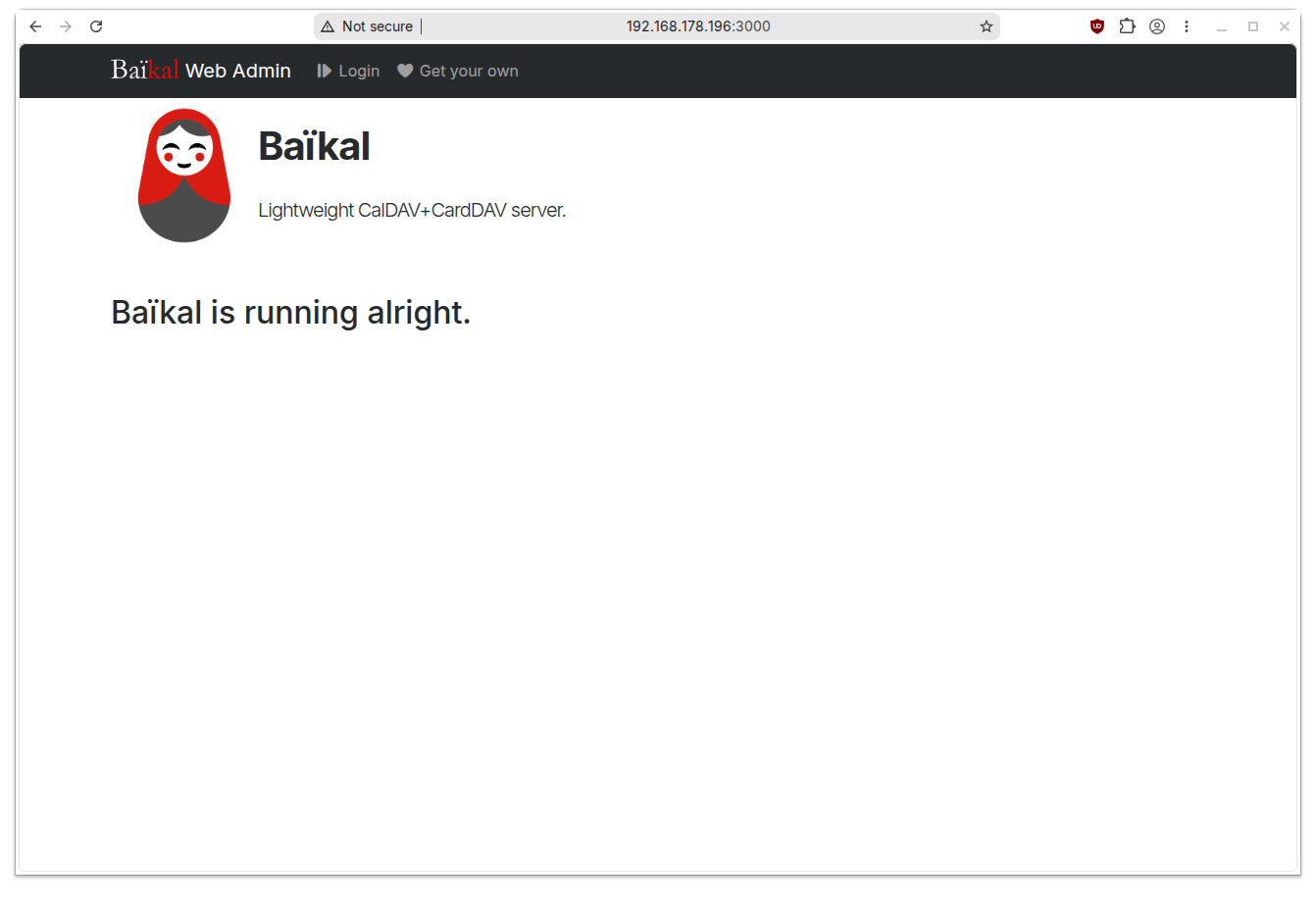
And that's it! You now should also be able to add your calendars on something like Thunderbird on http://ip.of.your.server:3000/dav.php